In today’s digital landscape, implementing artificial intelligence (AI) in your organization can significantly enhance user engagement and streamline operations. One effective way to do this is through web embeddables—customizable components that allow businesses to integrate powerful functionalities into their websites. By utilizing web embeddables, organizations can provide tailored customer experiences without the need for extensive coding knowledge. This article will explore how to configure these modules and groups, enabling businesses to embed AI-driven solutions seamlessly.

What Are Web Embeddables?
Web embeddables are versatile components that enable organizations to integrate various functionalities directly into their websites. They can be used to enhance self-service capabilities, like those found in Customer Relationship Management (CRM) systems or ServiceNow platforms. The beauty of web embeddables lies in their low-code configuration, allowing business users or system administrators to set them up with minimal technical expertise.
Benefits of Using Web Embeddables for AI Implementation
Implementing artificial intelligence through web embeddables offers several advantages:
– Customizability: Tailor the user experience across different web pages and websites.
– Flexibility: Use various components multiple times across different pages. For instance, a case list component can be embedded on various pages to provide consistent access to information.
– Streamlined Management: Organize web components into modules and groups, allowing for efficient management of instances and properties across different platforms.
Configuring Web Embeddables
To effectively utilize web embeddables, organizations should first understand how to configure these components. Here’s a step-by-step guide:
1. Create Modules: Organize your web components by website. Each module can represent a different website, allowing for consistent theming and rules.
2. Set Up Groups: Within each module, create groups to represent the structure of your website’s pages. This organization helps manage different instances of web components effectively.
3. Embed Components: Choose from a library of out-of-the-box components such as case lists, service catalogs, and knowledge views. Each instance can be customized with unique properties as needed.
Example of Implementation
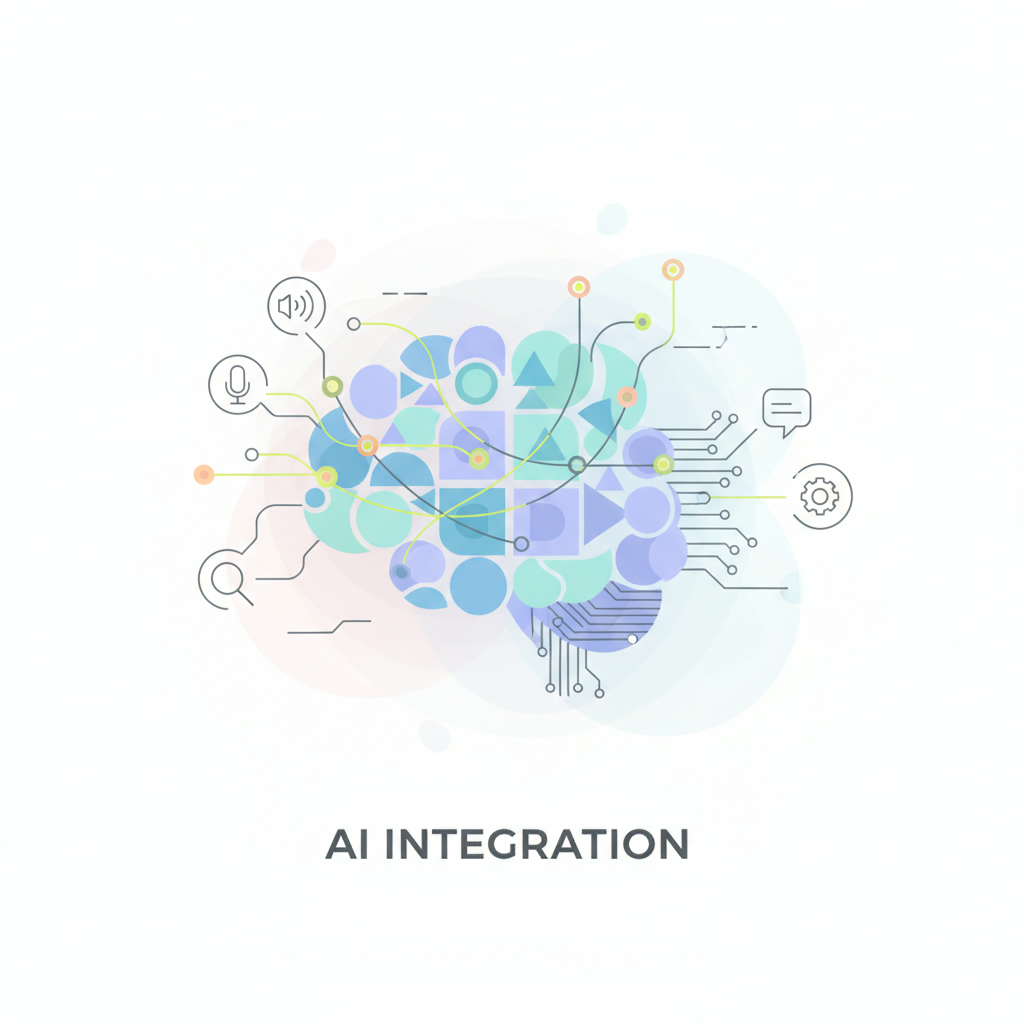
Consider a company with two distinct websites. Each site can have multiple pages, and any web component can be placed on any page, creating various instances. For example, a case list might appear on both website one and website two across different pages. This flexibility is key to providing a cohesive and responsive user experience.
Best Practices for Using Artificial Intelligence in Web Embeddables
When implementing AI within web embeddables, consider these best practices:
– Start Small: Begin with a few key components and gradually expand as you analyze user interactions and feedback.
– Monitor Performance: Use analytics to track how well each component performs, making adjustments based on user engagement.
– Stay Updated: Regularly update your web embeddables to incorporate the latest AI advancements and user requirements.
Conclusion: Elevate Your Customer Experience with AI
By leveraging the power of web embeddables, organizations can implement artificial intelligence solutions that enhance customer interactions and streamline operations. The ability to configure these components with low-code solutions empowers businesses to tailor their offerings effectively. If you’re looking to transform your digital presence with AI, consider exploring more about how to implement artificial intelligence in your strategy. Don’t miss out on the opportunity to elevate your customer experience through innovative technology.