
Artificial intelligence (AI) is revolutionizing how we manage data and system processes, including text indexing regeneration. Text indexing is a crucial component in the ecosystem of any AI-enabled platform, particularly in environments like ServiceNow. Understanding how text indexing regeneration impacts event queues is essential for ensuring smooth operations and optimal performance. In this article, we will delve into the mechanics of text indexing regeneration, how it affects event queues, and best practices to follow during this process.
The Role of Text Indexing in AI Workflows
Text indexing is fundamental for enhancing search capabilities within applications powered by artificial intelligence. When a text indexing regeneration is triggered, a special event called `textindex.all` is generated, which is processed by a dedicated job known as the TextIndexEventProcessJob. This job is solely responsible for handling the `textindex.all` event, which means it will not process any other text index events concurrently.
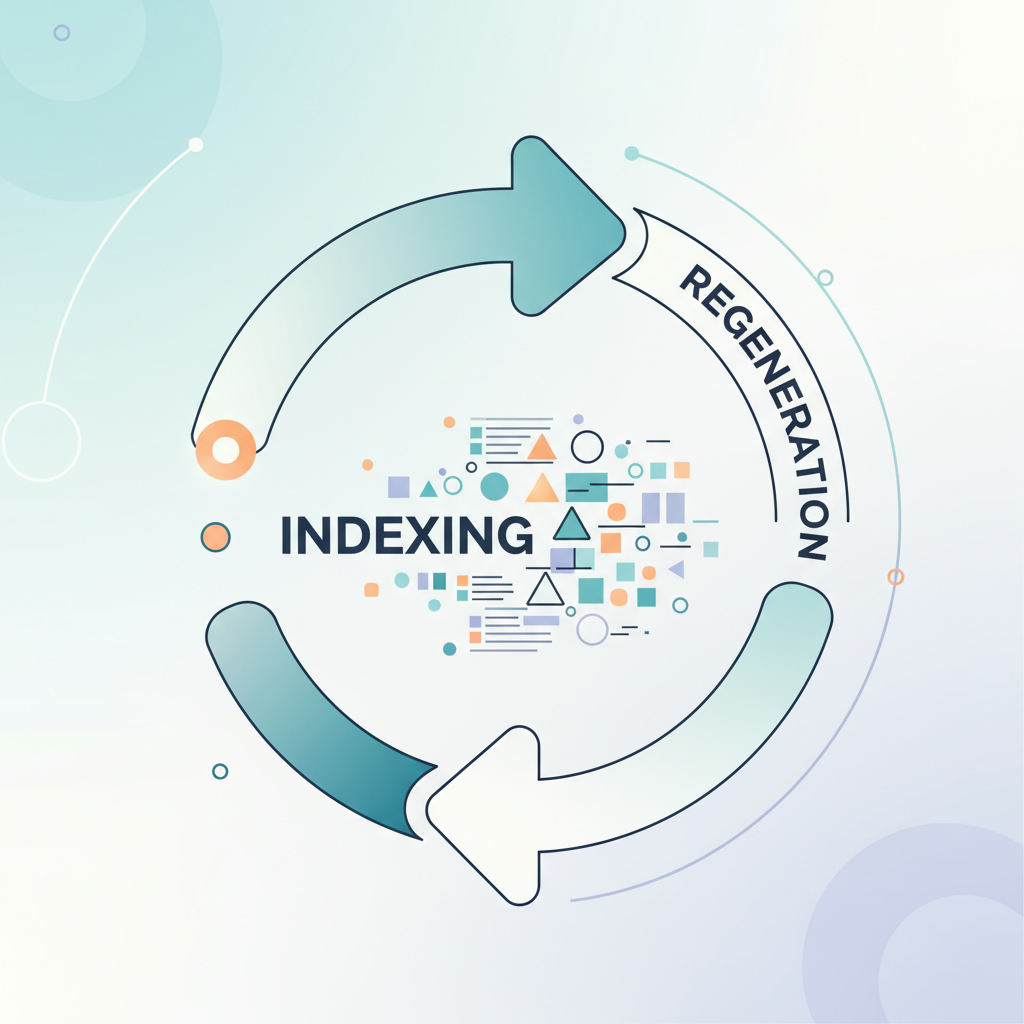
As a result, all other events queued under text indexing begin to accumulate, leading to a backlog. This is a normal behavior during the regeneration process but can impact system performance if not monitored properly. Experts agree that understanding this process is vital for any organization looking to implement artificial intelligence effectively.
Confirming Text Indexing Regeneration Status
To ensure that the regeneration is running smoothly, you can verify its status by checking the system events table. If a regeneration is active, the `textindex.all` event will be visible in this table. Here’s how to confirm:
1. Navigate to the text index module where you can initiate a regeneration, such as for the task table.
2. Click on the regenerate text index option and ensure you select the option that does not notify you.
3. Once executed, observe the system events table for the `textindex.all` entry, which indicates that the regeneration process is ongoing.
Reload the text indexes module to see the status of the specific table being indexed. If the state indicates ‘indexing’, you can confirm that the regeneration is actively processing.
Monitoring the Text Index Event Process Job
Another critical step in managing text indexing during AI implementations is monitoring the Text Index Event Process Job. You can find this under the Active Transactions All Nodes module. Here, you can assess how long the job has been running and its overall age. A long-running job indicates that the regeneration process is underway, which is expected behavior during this phase.
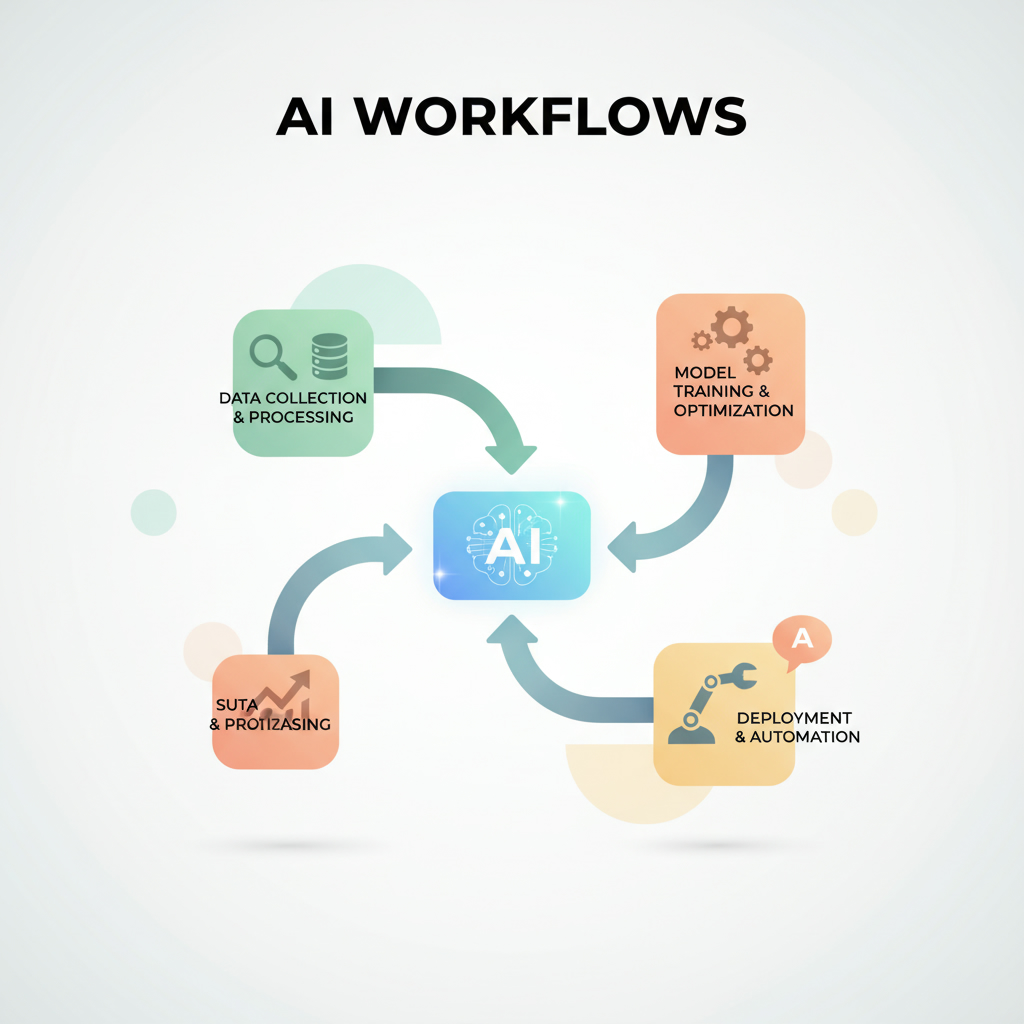
To estimate the time it may take for the job to complete, refer to the last indexing duration recorded in the text indexes module. If, for instance, the task table previously took sixteen seconds for a regeneration, you can anticipate a similar duration for the current process, barring any unforeseen factors.
Best Practices During Text Indexing Regeneration
While text indexing regeneration is in progress, it’s crucial to adhere to certain do’s and don’ts:
– Do Not interrupt the `textindex.all` event. Interrupting this process can lead to a partial regeneration, compromising the integrity of your global search capabilities.
– Do consult with support for guidance on expected timing for regeneration processes and the anticipated backlog in the text index queue. This proactive approach helps manage expectations and maintain operational efficiency.
Implementing AI solutions effectively requires a thorough understanding of all underlying processes, including text indexing regeneration. By following these best practices, organizations can mitigate potential issues and optimize their AI workflows.
If you’re looking to enhance your AI capabilities and ensure smooth operations, consider consulting with a professional AI agency. They can provide tailored advice and support to help you implement artificial intelligence successfully.
In conclusion, implementing artificial intelligence involves a keen understanding of various components, including text indexing regeneration. Monitoring this process and adhering to best practices will ensure your system remains efficient and responsive. For more insights on how to implement artificial intelligence effectively, visit Implement Artificial Intelligence today!