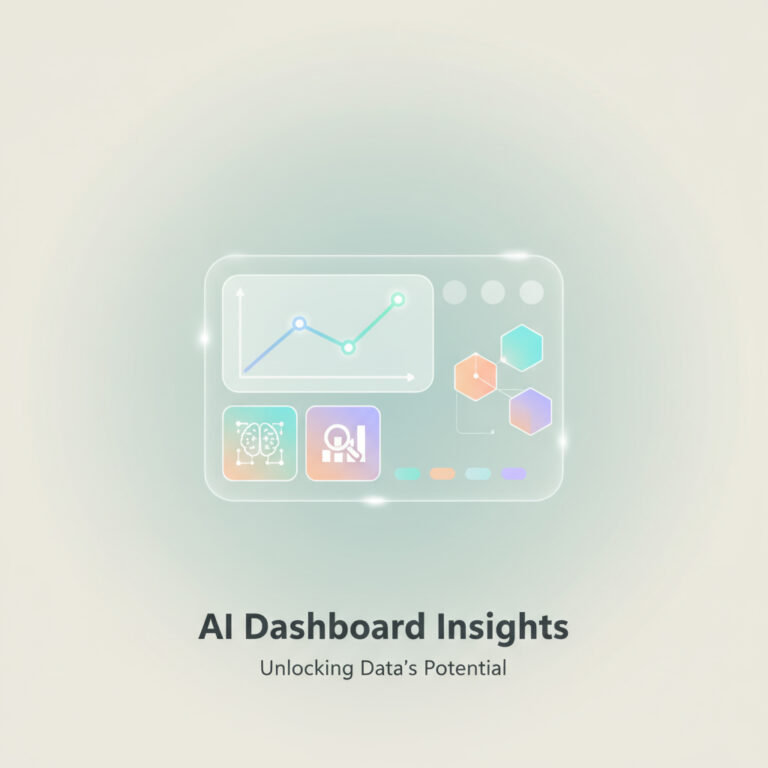
The integration of AI capabilities within customer service management is transforming how organizations interact with their clients. The Trending Topics Dashboard offers customer service managers a powerful tool to gain insights, analyze metrics, and dynamically filter information based on real data. By implementing artificial intelligence, businesses can efficiently monitor historical case activity and pinpoint the most reported trends among customers. This blog will guide you through configuring the Trending Topics Dashboard using the Now Assist Admin Console, helping you harness the full potential of AI services.
Understanding the Trending Topics Dashboard
The Trending Topics Dashboard is designed to empower customer service teams by providing a consolidated view of key insights. With the ability to analyze case activity, this dashboard identifies critical trends that can influence decision-making. By leveraging AI workflows, organizations can ensure they are not only responding to current customer demands but are also proactive in their approach. This can lead to increased customer satisfaction and improved service delivery.
Activating the Dashboard Skill
To activate the Trending Topics Dashboard skill, navigate to the Customer Service Management (CSM) section of the Now Assist Admin Console. Here’s how to get started:
1. Click on Activate Skill.
2. Follow the guided setup, which provides general details about the skill, including its name and description.
3. Confirm that it aligns with your customer workflow.
By activating this skill, you enable the system to begin analyzing data, setting the stage for enhanced customer service insights.
Clustering Inputs for Enhanced Insights
One of the standout features of the Trending Topics Dashboard is its ability to cluster similar records through the Group Action Framework (GAF). This functionality allows you to adjust the base input fields and apply specific filtering conditions. The default setting groups records from the past year, but this can be modified to suit the needs of your organization.
Experts recommend regularly updating these filters to ensure relevance, as customer trends can shift over time. Once you’ve configured your clustering inputs, you can initiate the clustering process. This may take several hours, but you will receive an email notification upon completion.
Managing Access to Insights
After clustering is complete, it’s crucial to define who can access the insights generated by the Trending Topics Dashboard. By default, access is granted to customer service managers, but you can customize this further by specifying additional roles. This ensures that the relevant team members can leverage the insights for improved decision-making.
Customizing the Dashboard for Your Needs
Once the dashboard is activated, customization is key to maximizing its effectiveness. You can modify the skill within the Assist Skill Kit by accessing the ServiceNow skills. Here, you can:
– Review and adjust the prompts behind the dashboard.
– Clone the skill to tailor it to your specific use cases.
– Utilize natural language within the prompts to enhance usability.
By taking advantage of these customization options, organizations can ensure that the Trending Topics Dashboard aligns perfectly with their operational goals.
The Future of Customer Service with AI
The integration of AI into customer service management signals a shift towards data-driven decision-making. As businesses continue to implement artificial intelligence, tools like the Trending Topics Dashboard will become indispensable. They not only streamline workflow but also provide actionable insights that can lead to significant improvements in customer satisfaction.
If you’re looking to implement AI in your organization, consider reaching out to an experienced AI agency. They can guide you through the process of integrating AI solutions tailored to your specific needs.
Take Action to Enhance Your Customer Service
Implementing AI within your customer service framework is no longer a luxury but a necessity. The Trending Topics Dashboard exemplifies how organizations can leverage AI for improved customer insights and operational efficiency. For more information on how to enhance your business with artificial intelligence, visit Implement Artificial Intelligence.
By embracing these technologies, you can ensure that your organization remains competitive in an ever-evolving market.
In conclusion, the Trending Topics Dashboard is a powerful tool that harnesses the potential of AI to provide valuable insights for customer service managers. By activating and customizing this tool, organizations can effectively monitor trends and improve their customer service strategies. To take the next step in implementing artificial intelligence, consider consulting with an AI expert or agency that can help tailor solutions to your specific needs.