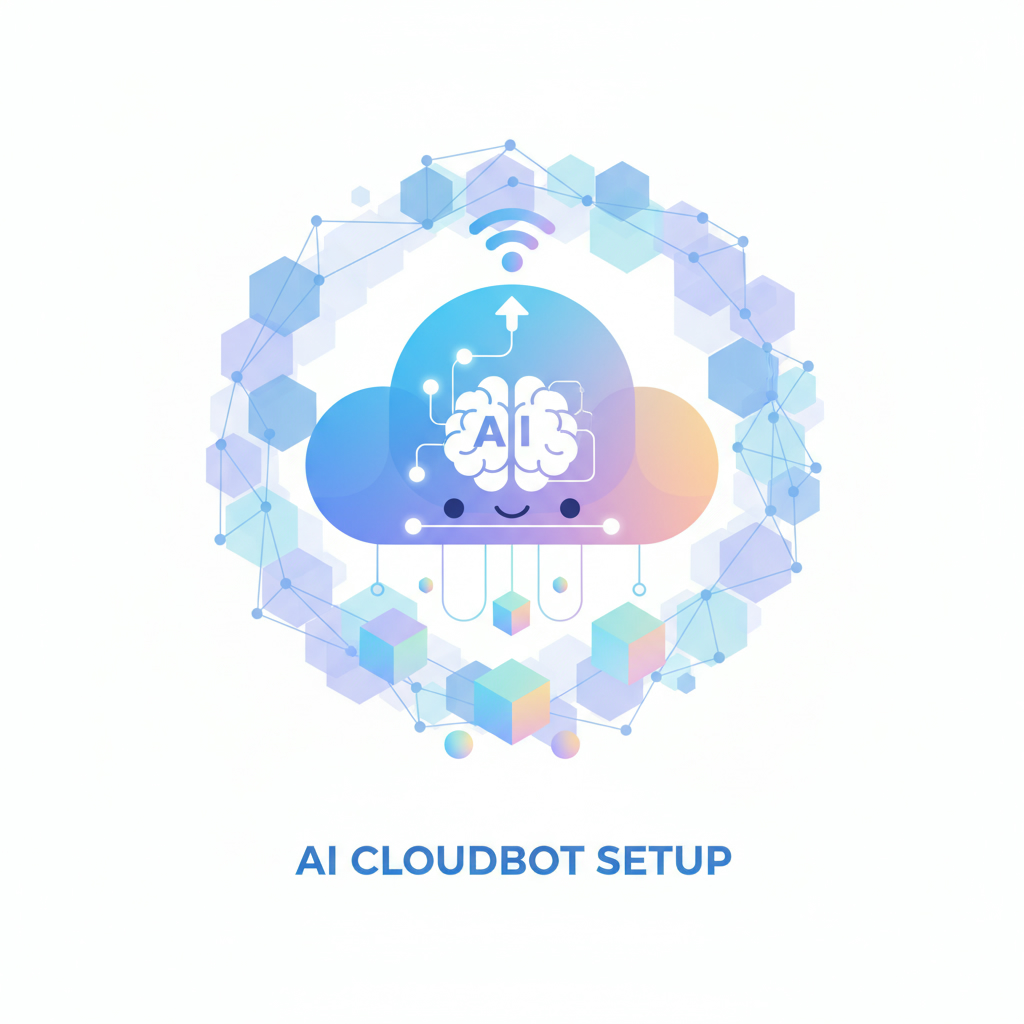
In the world of artificial intelligence, setting up tools like Cloudbot can enhance your productivity significantly without the hefty price tag of dedicated hardware. AI applications are rapidly gaining traction, and deploying them effectively requires understanding their operational needs. This guide will walk you through the process of deploying Cloudbot on a VPS, providing a cost-effective solution for experimenting with AI workflows while maintaining security. By following these steps, you’ll harness the power of AI bots and AI services in just a few minutes.
Understanding Cloudbot and its Benefits of VPS Deployment
Cloudbot is an open-source project that acts like a virtual assistant (VA) you can customize. Instead of investing in an expensive Mac mini, you can utilize a Virtual Private Server (VPS) to run Cloudbot. This method allows you to isolate the bot from your personal devices, reducing security risks associated with giving it access to sensitive information.
Why Choose a VPS for AI Implementation?
Using a VPS to implement artificial intelligence solutions like Cloudbot offers several advantages:
– Cost-Effective: VPS hosting is significantly cheaper than purchasing dedicated hardware.
– Scalability: You can easily upgrade or downgrade your VPS resources based on your demand.
– Security: Running Cloudbot on a VPS isolates it from your personal environment, enhancing security and control over the bot’s capabilities.
Step-by-Step Guide to Deploying Cloudbot on a VPS
Getting started with Cloudbot on a VPS involves a few straightforward steps. Here’s how to do it effectively:
Step 1: Selecting a VPS Provider
Begin by choosing a reliable VPS provider. For this guide, we’ll use Hostinger, known for its user-friendly interface and robust features. You can find various plans, including KVM2, which provides two vCPU cores, 8GB of RAM, and ample bandwidth for AI services.
Step 2: Setting Up Your VPS
After selecting your plan, you will need to choose an operating system. Ubuntu is a popular choice for its stability and ease of use. Once you’ve completed the payment, set up your root password, which is crucial for accessing your VPS.
Step 3: Accessing the VPS via SSH
To install Cloudbot, you need to SSH into your VPS. Open your terminal and execute the SSH command provided by your VPS dashboard. Enter your password to gain access, and you’ll be in your server environment.

Step 4: Installing Cloudbot
Once logged into your VPS, create a new user for Cloudbot. This helps manage permissions and enhances security. Use the following command to add a user:
bash
adduser claud
After this, grant administrative permissions and switch to the new user using:
bash
su – claud
Now you can install Cloudbot by pasting its installation command into the terminal. This process will install necessary dependencies, which may take a few minutes.
Step 5: Configuring Cloudbot
After installation, complete the onboarding process for Cloudbot. You will need to select a model provider and input API keys where necessary. It’s essential to configure the bot to communicate through your preferred channel, such as Telegram, WhatsApp, or Discord.
Step 6: Testing and Using Cloudbot
Once set up, you can test Cloudbot’s functionality. Make sure the gateway is running so you can interact with it through Telegram. This step is crucial for ensuring that your AI assistant is operational and ready to assist you.
Security Considerations When Using AI
As you implement AI solutions, security should be a priority. Cloudbot has powerful capabilities, similar to a virtual assistant, and if compromised, it could potentially access sensitive information. Here are some best practices to mitigate risks:
– Limit Access: Provide Cloudbot with minimal permissions necessary for its tasks.
– Use Separate Accounts: Consider creating dedicated email accounts for Cloudbot to minimize exposure to sensitive information.
– Monitor Activity: Regularly check Cloudbot’s activity logs to detect any unauthorized access.
Implementing artificial intelligence can transform your workflows, but it must be done with caution. Research from MIT suggests that understanding the security implications of AI systems is essential for effective deployment.
Get Started with AI Today
If you’re ready to explore the world of AI, setting up Cloudbot on a VPS is a fantastic place to start. For further assistance or to learn more about implementing AI solutions, consider reaching out to an AI agency. Our team of experts can guide you in effectively harnessing AI services to enhance your business processes.
Experience the benefits of AI firsthand and transform your operational efficiency today!
In summary, deploying Cloudbot on a VPS is an effective way to experiment with AI without the need for expensive hardware. By following the steps outlined above, you ensure a secure and efficient setup that maximizes the benefits of artificial intelligence. If you have any questions or need further assistance, don’t hesitate to reach out to our team of experts at Implement Artificial Intelligence.