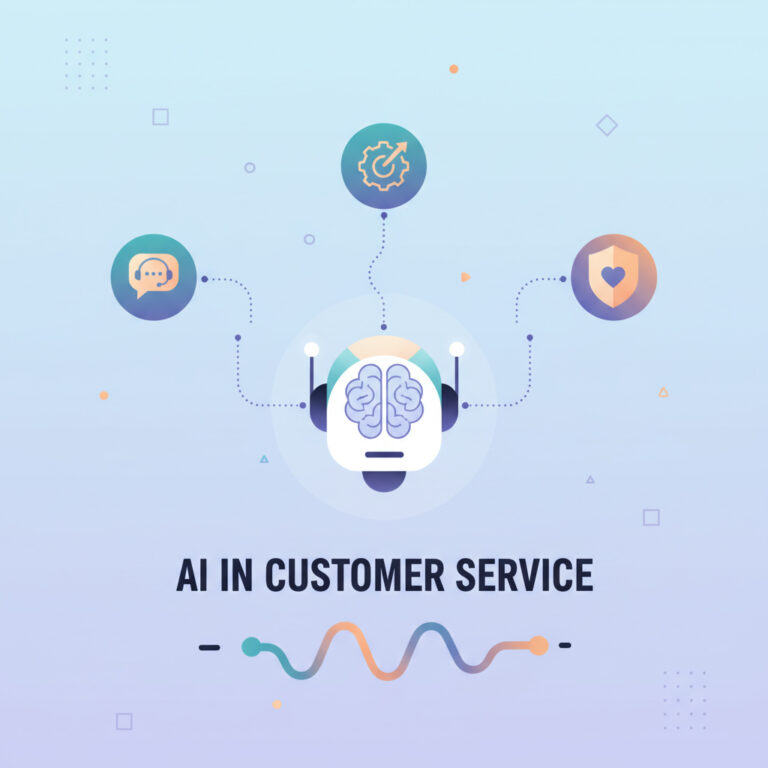
In today’s rapidly evolving digital landscape, implementing AI in customer service management (CSM) has become essential for enhancing operational efficiency. Artificial intelligence is not just a buzzword; it’s a transformative tool that can streamline processes, improve customer interactions, and generate valuable insights. One such advancement is the activity response generation feature now available through AI services in the Zurich Q4 Store release. This innovative skill allows organizations to automate the creation of summaries, actions, and follow-ups within the activity stream, significantly improving the workflow for live agents operating in workspace views.
What is Activity Response Generation?
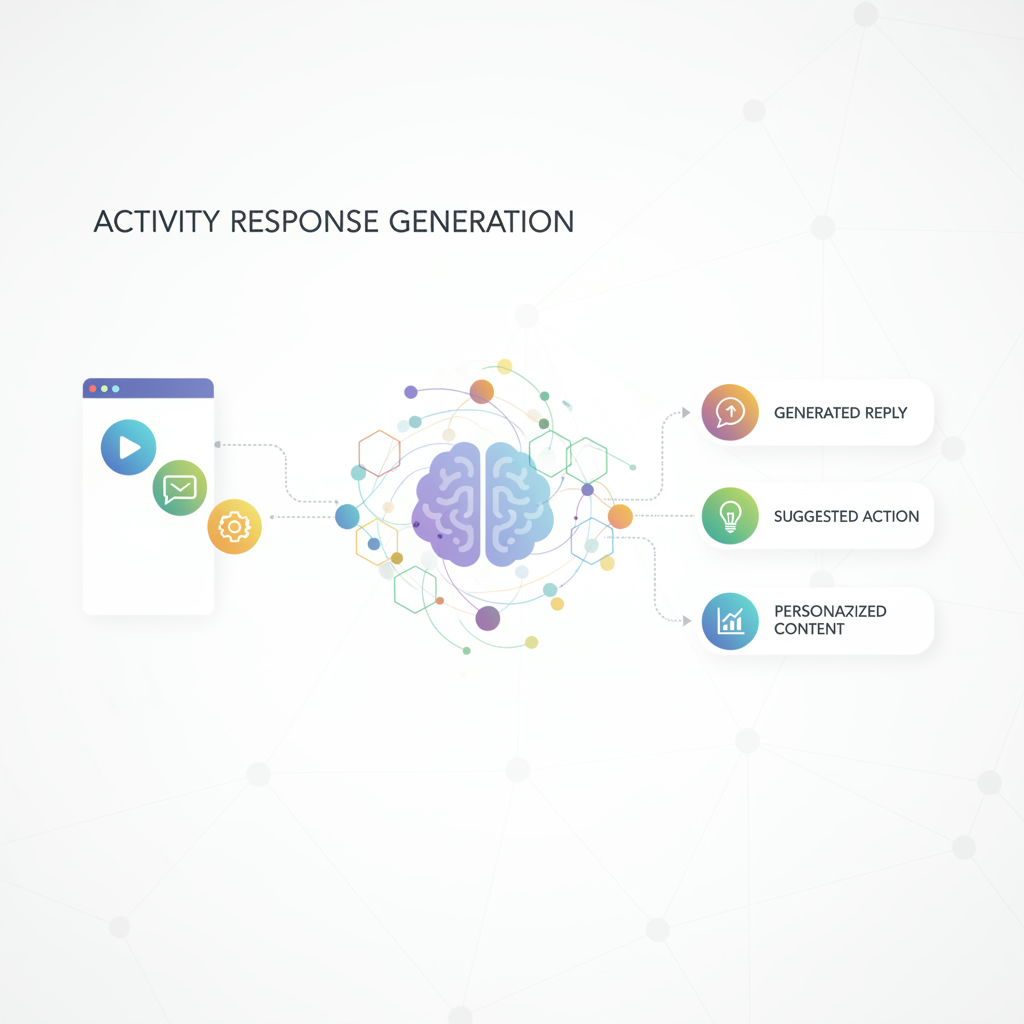
The activity response generation capability leverages AI workflows to create contextual summaries and actionable items based on live interactions. By configuring this feature, organizations can ensure that their agents are equipped with real-time insights, making it easier to address customer needs effectively. The process begins with accessing the analysis admin console, where users can activate the feature under the CSM settings.
Configuring Activity Response Generation
To set up activity response generation, follow these steps:
1. Navigate to the analysis admin console and select CSM under the customer section.
2. Click on ‘activate’ next to the activity response generation option.
3. Review the general details to understand the skill’s capabilities.
4. Customize inputs to provide the necessary context for your specific needs.
For advanced configurations, consider utilizing the ServiceNow skills catalog. Searching for activity response can help you identify relevant parameters to clone and modify, tailoring the AI to better suit your operational requirements.
Role-Based Access and Visibility
One of the key features of implementing AI solutions is ensuring proper role-based access and visibility. Within the admin console, you can define specific roles that will have access to the activity response generation capabilities. Out of the box, an agent role is available, which you can enable to ensure that agents can utilize this powerful tool effectively. Remember to save your configurations and verify that the roles are properly enabled, ensuring a seamless workflow for your team.
User Interface and Trigger Options
The user interface for activity response generation is designed to be intuitive. It allows agents to trigger actions based on various record form fields, additional comments, and work notes. Customizing trigger options enables you to refine the dialogue and actions based on specific needs, enhancing the experience for both agents and customers.
Moreover, the ability to test and preview your configurations ensures that you can refine the experience before full implementation. This iterative approach helps in tailoring the AI to meet the expectations of your customer service objectives effectively.
Evaluating Performance and Making Adjustments
Once the activity response generation feature is configured, it’s essential to evaluate its performance continuously. Monitoring how well the AI integrates into your customer service operations will allow for ongoing adjustments, ensuring optimal performance. The analysis context menu provides insights into how the feature is being utilized, enabling you to test various scenarios and refine the setup to better meet your organizational goals.
Experts agree that adopting AI in customer service not only enhances efficiency but also improves customer satisfaction by providing timely and relevant responses. As studies indicate, organizations that embrace artificial intelligence solutions can better meet customer expectations while optimizing their operational workflows.
Conclusion
Incorporating AI into your customer service management strategy through activity response generation can lead to significant improvements in both agent productivity and customer satisfaction. By understanding how to activate and configure this feature, organizations can harness the power of AI to create more efficient workflows. If you’re looking to enhance your customer service capabilities with artificial intelligence, consider reaching out to an experienced AI agency or hire an AI expert to assist you in implementing these advanced solutions effectively. For more insights on how to leverage AI services in your organization, visit Implement Artificial Intelligence.
Ready to transform your customer service operations with AI? Contact us today to get started!