In today’s fast-paced digital landscape, implementing AI into IT operations is essential for organizations aiming to enhance their efficiency and service delivery. The launch of the AI Ops Configuration Center marks a significant advancement in how businesses can leverage artificial intelligence to streamline their IT processes. This centralized hub empowers teams to shift from reactive to proactive operations, dramatically improving incident response times and reducing alert noise. By providing a guided setup and tailored automation, the Configuration Center not only optimizes workflows but also enables IT staff to focus on high-value strategic initiatives.
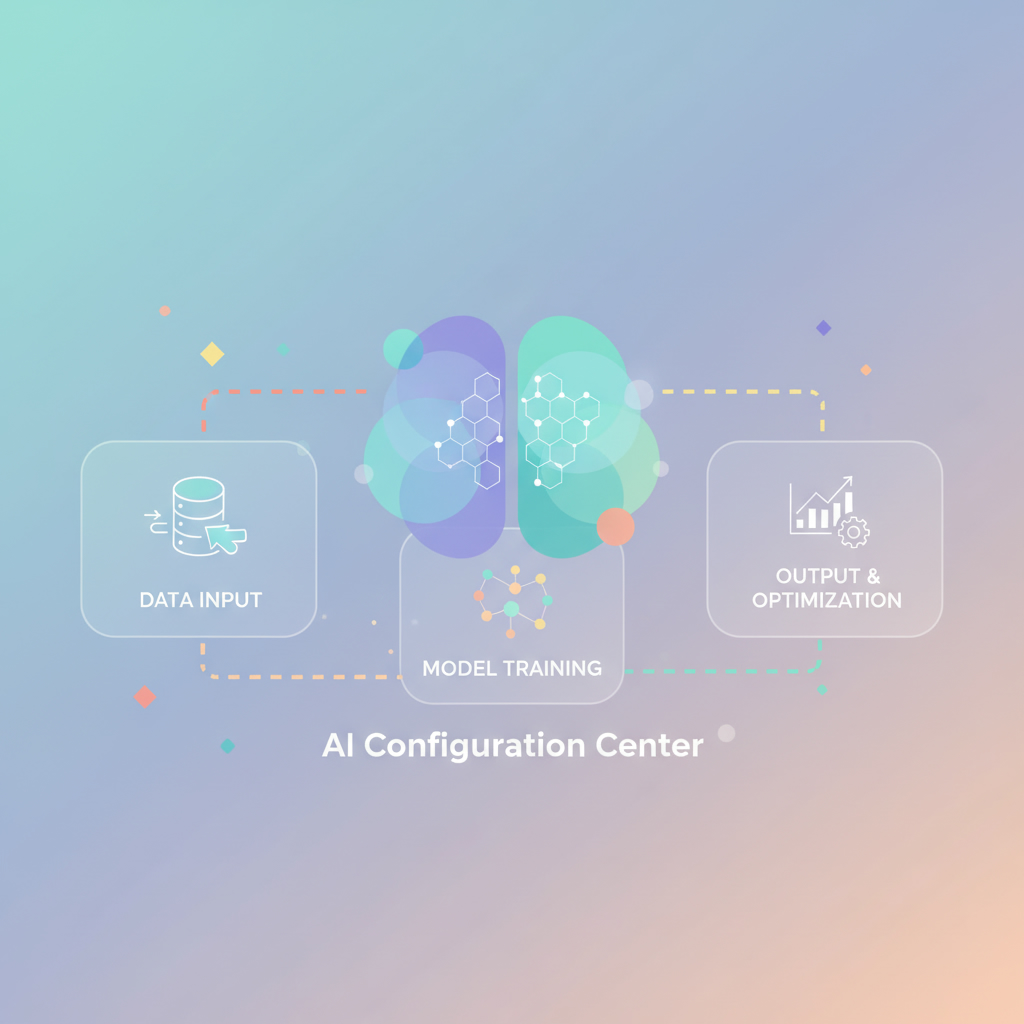
What is the AI Ops Configuration Center?
The AI Ops Configuration Center serves as a command center within the ServiceNow ITOM framework. It is designed to configure, manage, and optimize AI-enhanced IT operations capabilities. By using this powerful tool, organizations can effectively manage event-to-response workflows, minimize unnecessary alerts, and enhance overall service health. This shift towards automated, intelligence-driven operations is vital in today’s IT landscape, where speed and accuracy are paramount.
Key Features of the AI Ops Configuration Center
1. Guided Setup: The center offers a comprehensive guided setup process, making it easier for IT teams to implement AI services without extensive expertise. Administrators can navigate through the installation of foundational features and create necessary user accounts efficiently.
2. Streamlined Data Ingestion: Integrating third-party monitoring tools becomes seamless with the integration launchpad, allowing for quick ingestion of events, logs, and metrics into ServiceNow.
3. Reducing Alert Noise: Utilizing machine learning models, the Configuration Center can reduce alert noise by up to 99%, ensuring that IT teams focus on critical issues rather than sifting through irrelevant alerts.
4. Alert Automation: A low-code interface allows for the definition of rules regarding alert enriching, grouping, and automatic escalation of incident tickets, further enhancing the operational efficiency of IT departments.
Optimizing IT Operations with AI
As organizations continue to embrace digital transformation, the importance of AI workflows cannot be overstated. By optimizing incident response and service health monitoring through the AI Ops Configuration Center, IT teams can:
– Track Service Health: Use metrics and anomaly detection to gain insights that predict service disruptions and identify root causes.
– Proactively Prevent Incidents: Implement synthetic monitoring to continuously test websites and API endpoints, helping teams identify performance issues before they affect users.
– Manage Services Effectively: Configuration tools allow teams to handle service requests efficiently and map performance data to corresponding services, ensuring alignment with business objectives.
Governance and Team Management
Effective governance is crucial for maintaining the integrity of an AI-optimized environment. The Configuration Center simplifies the management of authorized users, making it easy to locate various administrators and approve requests promptly. This centralization not only saves time but also mitigates security risks that come with team turnover.
Enhancing Your AI Implementation Journey
Incorporating artificial intelligence into your IT operations is no longer optional; it’s a necessity for staying competitive. The AI Ops Configuration Center provides all the tools needed for a successful implementation. Research indicates that organizations that adopt AI-driven strategies experience significant improvements in operational efficiency and service delivery.
If your organization is looking to hire an AI expert or engage an AI agency, consider leveraging the benefits of the AI Ops Configuration Center to enhance your IT capabilities.
Conclusion: Transform Your IT Operations with AI
The AI Ops Configuration Center is a game changer for any organization serious about implementing AI in their IT operations. With its user-friendly interface and powerful features, it allows teams to optimize their workflows, reduce alert fatigue, and enhance service health. Explore how this innovative tool can revolutionize your IT operations by visiting Implement Artificial Intelligence. Start your journey towards a smarter, more efficient IT environment today!