In today’s rapidly evolving digital landscape, implementing AI solutions can transform how organizations handle client registrations. Artificial intelligence streamlines processes, reduces manual errors, and enhances efficiency, particularly in environments with multiple servers like Global MCP. This article delves into automated client registration through AI Gateway, a crucial step for businesses looking to enhance their AI services and workflows.
Understanding AI and Its Impact on Client Registration
Research indicates that implementing AI can significantly decrease the time and resources spent on repetitive tasks. For organizations that frequently add new MCP servers, the traditional method of connecting tools such as Visual Studio Code and Copilot Studio often involves cumbersome OAuth credential setups. AI Gateway offers a seamless solution that automates this process, making it easier for agent builders to integrate their tools.
The Role of AI Gateway in Streamlining Processes
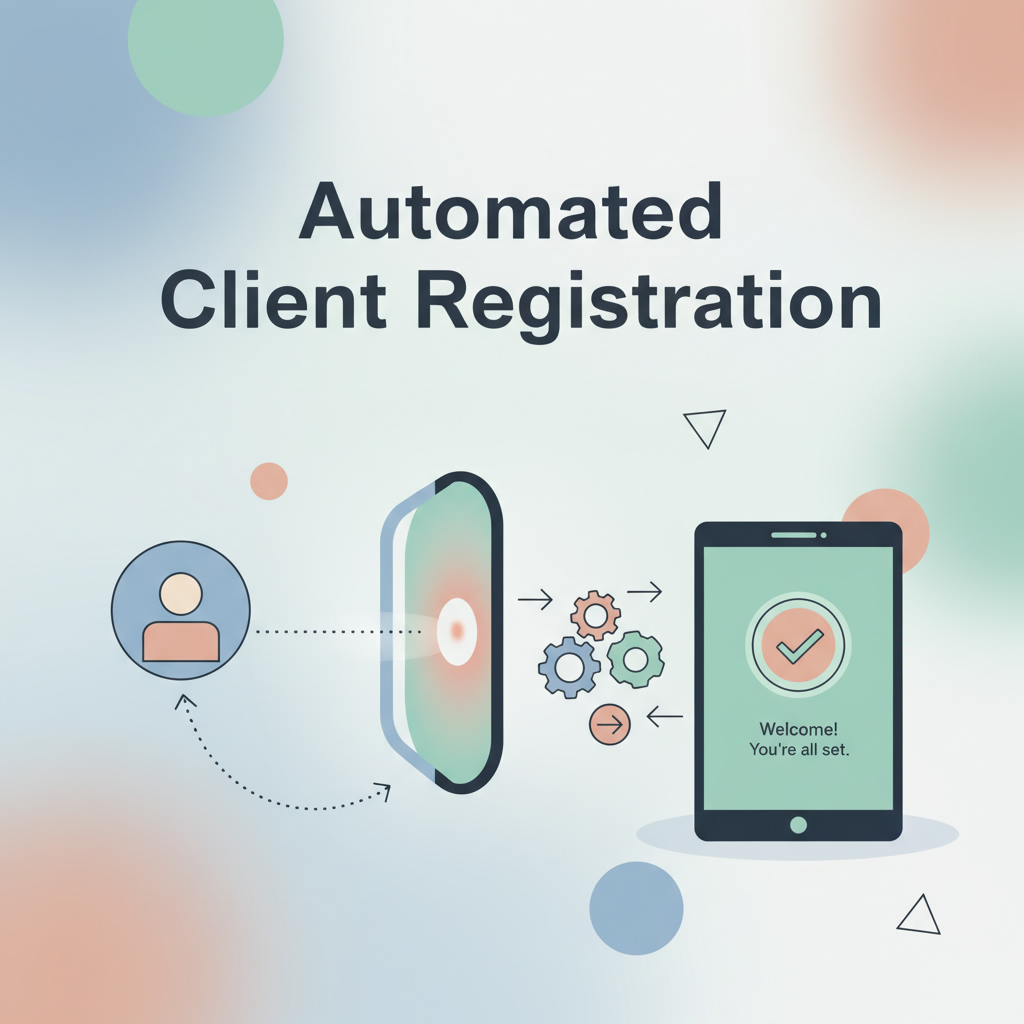
When organizations register a global MCP client, they are prompted to provide a single input: the client metadata URL. This is pivotal in the CIMD standard, as it allows AI Gateway to automatically retrieve essential configuration details such as redirect URLs, scopes, and grant types. The automation of these processes not only eliminates manual configurations but also allows for a live metadata sync mode, ensuring that the client’s configuration remains current without any additional intervention.
Benefits of Live Metadata Synchronization
Choosing the live sync option is highly recommended for organizations aiming for accuracy and efficiency. This mode continuously pulls the latest metadata from the client’s URL, maintaining an up-to-date connection without requiring manual updates. This is particularly beneficial for businesses looking to leverage AI workflows that demand real-time data.
Enhancing Security with AI Implementation
Security is paramount when implementing AI solutions. Enabling local host redirection is essential for the OAuth flow to operate correctly within tools like Visual Studio Code. Once registered, the application covers every approved server, simplifying access and enhancing security protocols. Experts agree that a robust security framework is necessary to ensure safe interactions between various components of an AI-driven ecosystem.
Connecting Tools with AI Gateway
Once the global MCP client is registered in the AI Control Tower, connecting tools like Visual Studio Code to approved servers becomes straightforward. By selecting MCP and adding the server from the command palette, users can simply input the AI Gateway MCP server URL. This streamlined process minimizes the configuration needed, allowing agent builders to focus on developing effective AI services rather than managing setups.
The OAuth Consent Flow Made Simple
Upon entering the MCP server URL, AI Gateway automatically initiates the OAuth consent flow. This means that there is no need for users to manage client IDs or secrets manually, as the CIMD registration performed by the AI steward takes care of these intricacies. This frictionless access is a game-changer for businesses implementing AI agency solutions, significantly reducing setup time and increasing productivity.
Leveraging AI for Improved Workflows
With the connection established, users can utilize the tools available in the Copilot chat panel, such as creating and listing issues. The integration allows organizations to harness the full power of artificial intelligence, providing a secure and observable environment for all requests. Each interaction runs through AI Gateway, ensuring that processes are not only efficient but also traceable and accountable.
Conclusion: The Future of AI Client Registration
The adoption of automated client registration through AI Gateway signifies a transformative approach for businesses seeking to implement AI effectively. By registering tools like Visual Studio Code once as global MCP clients, organizations can enjoy frictionless access to every approved server without repeated configurations. This method of utilizing AI not only enhances security but also optimizes workflows, making it an essential strategy for any organization serious about leveraging AI services. To explore more about how to effectively implement AI in your organization, visit Implement Artificial Intelligence or contact us for personalized assistance.
For further insights and to stay updated on the latest in AI, consider subscribing to our dedicated AI YouTube channel and joining future live events hosted by ServiceNow experts.