In today’s rapidly evolving digital landscape, implementing AI into your workflows can significantly elevate your productivity and efficiency. If you’ve ever thought about using screen recording software like Loom but hesitated due to its subscription fees, there’s good news: you can build your own solution, named Yoom, at no cost. This guide will walk you through the steps to create a simple yet effective screen recording application using AI, specifically leveraging Claude code. By the end of this article, you’ll understand how to set up your own version of this software and why hiring an AI expert could be beneficial for your projects.
Understanding the Need for Custom AI Solutions
Artificial intelligence is transforming how we approach various tasks, from automating repetitive processes to enhancing creativity. Many businesses are now looking to hire AI experts to tailor solutions that fit their unique needs. Research indicates that custom-built AI solutions can outperform off-the-shelf products by aligning closely with specific operational requirements.
When you choose to implement AI in developing your screen recording tool, you gain the flexibility to incorporate features that matter most to you, such as customization options for branding and usability. This approach not only saves money but also allows for a more personalized user experience.
Building Yoom: A Step-by-Step Guide
Step 1: Setting Up Your Development Environment
To get started with building Yoom, you’ll need a few tools in place:
– Visual Studio Code for coding
– A basic understanding of Next.js, a popular React framework
– Access to Cloudflare R2 for video storage
Once you have these tools ready, create a new folder for your project in Visual Studio Code. This environment will be where you develop your application.
Step 2: Utilizing Claude Code for AI Assistance
By leveraging AI tools like Claude code, you can streamline the coding process. Claude can help generate code snippets, provide debugging assistance, and suggest best practices. The implementation plan for Yoom can be generated by simply stating your requirements and letting Claude guide you through the coding process.
Step 3: Implementing Core Features
Start with the fundamental features of Yoom:
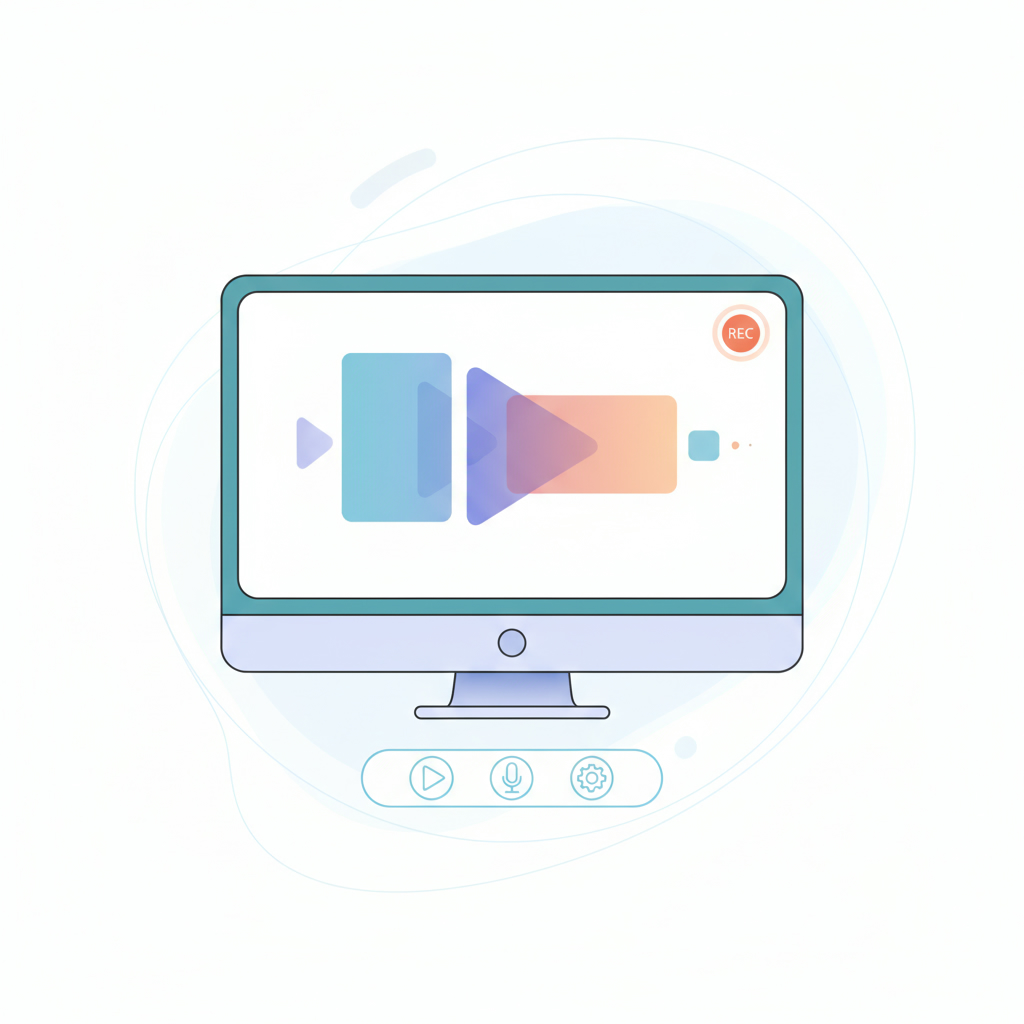
– Screen Recording: Allow users to record their screens seamlessly.
– Link Sharing: Enable users to share their recordings easily.
– Custom Domain Integration: Unlike Loom, allow users to host recordings on their own domains.
Implementing these features ensures that your application meets the essential needs of users who require screen recording capabilities.
Testing and Deployment of Your AI-Driven App
Once you’ve implemented the core features, it’s time to test your application. Running the command `npm run dev` will allow you to check for any bugs or issues in your code. Make sure to test the screen recording and uploading functionalities thoroughly.
After successful testing, deploy your app using platforms like Vercel. This will make it accessible for others to use and share. Remember, when deploying, to set up environmental variables correctly to ensure all functionalities work as intended.
Step 4: Enhancing User Experience with Design
While functionality is crucial, the aesthetic aspect of your app shouldn’t be overlooked. Utilize AI tools to enhance the design of Yoom. Consider incorporating:
– A sleek user interface
– Branding elements like logos and color schemes
– User-friendly navigation
These enhancements will not only improve user satisfaction but can also make your app more appealing to potential users, further establishing its presence in the market.
Why Hire an AI Agency for Your Projects
While DIY solutions are invaluable, there are scenarios where hiring an AI agency becomes essential. If your project requires advanced machine learning algorithms or extensive data analysis, collaborating with a professional agency can save time and ensure quality results. Experts agree that combining in-house efforts with external expertise often leads to higher project success rates.
Conclusion: Your Journey to Implement AI
In summary, implementing AI to create your own version of screen recording software can be an exciting and rewarding project. By following these steps to build Yoom, not only do you save on subscription costs, but you also gain valuable skills in AI development. If you’re looking to expand your AI capabilities or need assistance in a more complex project, consider reaching out to professionals who specialize in AI services. For more information on how to implement artificial intelligence effectively, visit Implement Artificial Intelligence. Let’s elevate your projects with the power of AI today!