In today’s rapidly evolving digital landscape, organizations are increasingly turning to artificial intelligence to enhance their customer service capabilities. One of the most effective ways to implement AI is through data visualization tools that can be embedded on third-party websites. This approach not only improves the customer experience but also streamlines administrative tasks, allowing businesses to focus on what truly matters—serving their clients. By leveraging interactive charts and visual data representations, companies can provide insights that empower customers to make informed decisions. In this article, we will explore how to successfully integrate data visualization into your existing systems to create a seamless self-service experience.
Understanding Web Embeddables in AI Implementation
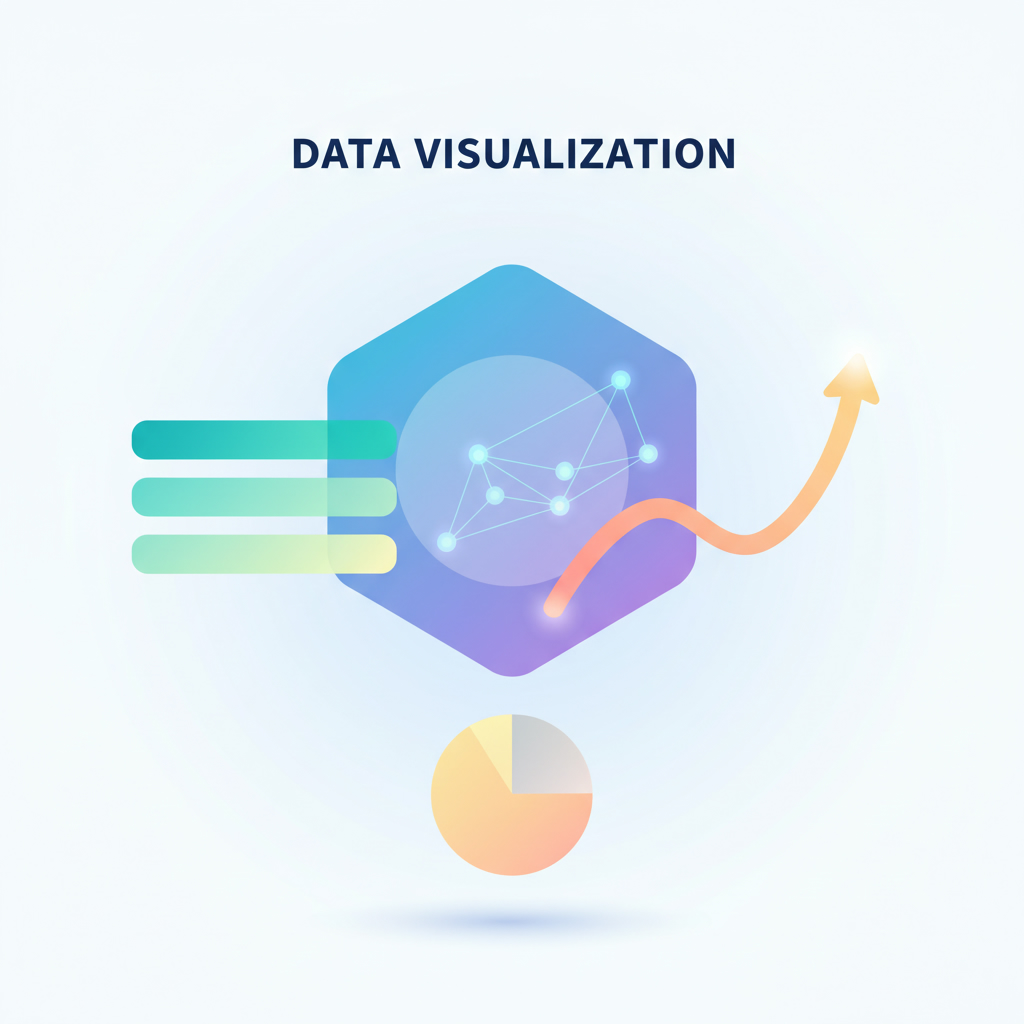
Web embeddables are essential components when it comes to integrating CRM self-service capabilities on external websites. This technology allows organizations to present data insights in a visually appealing manner, leveraging AI services to create interactive components such as bar charts, pie charts, and more. The implementation of such features not only enhances user engagement but also reduces the effort required by customers to find the information they need.
Benefits of Interactive Data Visualization
Experts agree that the use of data visualization in customer service significantly enhances user satisfaction. Here are some key benefits:
– Improved Customer Experience: Interactive charts enable customers to visualize their data easily, leading to more informed decisions.
– Reduced Administrative Effort: By automating data representation, organizations can minimize the workload on their support teams.
– Enhanced Self-Service Options: Customers can independently explore their case statuses and metrics, reducing the need for direct human interaction.
Configuring Data Visualization Components
Configuring data visualization components is a straightforward process that allows organizations to tailor the visual representation according to their specific needs. Key configuration options include:
– Type of Visualization: Choose from various formats such as doughnut charts, pie charts, or single score displays.
– Data Sources: Integrate with case tables or other relevant databases to pull real-time data.
– Custom Metrics and Grouping: Define metrics such as case counts and group data by various states or categories for deeper insights.

Real-World Application: A Case Study
Consider the example of Julie Lewis, a customer of the Electri organization. Upon logging into the Electri website, Julie is greeted with a suite of web components that showcase her case data through engaging visualizations. For instance, she can view the total number of cases and their current statuses through intuitive charts. As she interacts with the data, the case list on the side dynamically updates, providing a seamless experience that empowers her to manage her inquiries effectively.
How to Embed Data Visualization on Your Website
Implementing data visualization on your website involves a few critical steps:
1. Obtain Embed Code: Start with the global embed code, which should be placed in the header of your website.
2. Integrate Component Code: Provide the specific component code to your web developer for the actual data visualization setup.
3. Configure Settings: Customize the visual elements according to your organizational needs, including colors, labels, and metrics.
4. Test and Launch: Ensure everything functions correctly before officially launching the feature on your site.
Future Trends in AI and Data Visualization
As the field of artificial intelligence continues to advance, we can expect even more innovative solutions in data visualization. Emerging trends include:
– AI-Powered Insights: Leveraging machine learning algorithms to predict customer needs and automate reporting.
– Enhanced Interactivity: Developing tools that allow users to manipulate data visualizations in real-time for personalized experiences.
– Voice-Activated Interfaces: Integrating AI voice technology to allow users to query and receive data insights verbally.
Implementing these features can position your organization as a leader in customer service excellence.
For more insights on how to effectively implement artificial intelligence in your business, visit Implement Artificial Intelligence for expert advice and services.
In summary, the integration of data visualization as part of your AI strategy can significantly enhance customer self-service experiences. Not only does it empower users with insightful information, but it also streamlines administrative processes, ultimately leading to a more efficient operation. As organizations continue to embrace AI, those who implement these advanced technologies will undoubtedly gain a competitive edge in the market.
Ready to transform your customer service with AI? Reach out to our team at Contact Us today!