
Artificial intelligence (AI) is revolutionizing how we operate in various industries, and mastering tools like Claude Code can significantly enhance your capabilities. By implementing AI solutions, businesses can automate processes, improve efficiency, and drive innovation. In this guide, we will explore how Claude Code empowers users to harness the full potential of AI, providing a robust environment for coding and project management. Whether you’re a beginner or an experienced developer, understanding Claude Code will help you streamline your AI workflows and create transformative solutions.

What is Claude Code?
Claude Code is an advanced tool designed to integrate AI capabilities directly into your local development environment. Unlike web-based AI solutions, Claude Code operates locally, allowing you to manage projects seamlessly without the limitations of browser-based interactions. This means that Claude Code can access your project files directly, providing contextual responses and automating tasks effectively.
Key Benefits of Using Claude Code
– Enhanced Contextual Understanding: Claude Code reads project files on your computer, enabling it to provide highly relevant responses based on your specific context. This contrasts with traditional AI chatbots that require users to repeatedly explain their needs, leading to inefficiencies.
– Project Automation: Claude Code can execute code, write files, and even test its changes, creating a continuous loop of improvement. This functionality means you can automate repetitive tasks, saving both time and resources.
– Personalization: With the ability to create Claude Skills, you can tailor how Claude Code interacts with you, ensuring that it meets your specific needs and preferences in communication and task execution.
Getting Started with Claude Code
To implement AI effectively using Claude Code, you must start with the right setup. Here’s how:
1. Install Node.js: This is essential for running Claude Code. Visit Node.js to download the appropriate version for your operating system.
2. Choose a Code Editor: Visual Studio Code (VS Code) is highly recommended for its robust features and user-friendly interface. Download it from Visual Studio Code.
Setting Up Your Development Environment
Once you have Node.js and a code editor installed, the next step is to set up Claude Code. Open your terminal and execute the necessary installation commands. This process will allow you to access Claude Code directly from your local environment, enabling seamless interaction and workflow management.
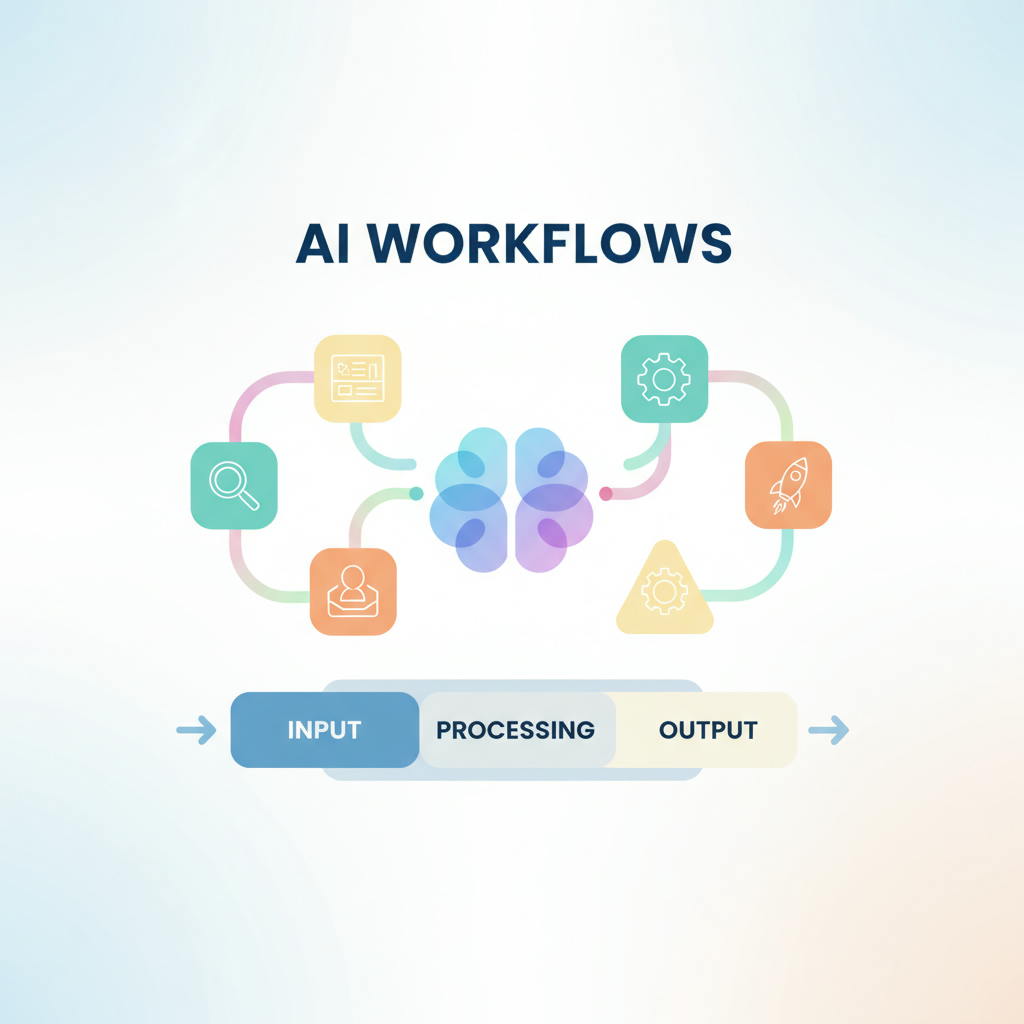
Utilizing Claude Skills for Enhanced Productivity
Claude Skills are a powerful feature that allows you to define rules and behaviors for Claude Code. By creating specific skills, you can dictate how Claude Code should handle various tasks, enhancing its effectiveness in your projects:
– Email Management: Customize responses to emails, ensuring that Claude Code maintains your unique voice and style.
– Task Automation: Set rules for how Claude Code manages ongoing projects, ensuring clarity and consistency across all communications.
By leveraging these skills, you can optimize your AI workflows, making Claude Code an invaluable tool in your technology stack.
Building AI Solutions with Claude Code
The true potential of Claude Code lies in its ability to help you build complex AI solutions quickly and efficiently. Here’s how you can use it to create a project:
– Initiate a new project using Claude Code and specify your requirements clearly.
– Allow Claude Code to generate the necessary code and configurations based on your inputs. This not only saves time but also ensures accuracy in execution.
– Review and refine the outputs, making adjustments as needed to align with your project goals.
With Claude Code, the possibilities are endless. You can develop applications, automate systems, and even create websites, all while maintaining complete control over the process.
Join the AI Revolution
To stay ahead in the rapidly evolving world of artificial intelligence, consider joining a community dedicated to AI innovation. Exploring resources and networks can significantly boost your understanding and implementation of AI technologies.
If you’re ready to take the plunge into AI with Claude Code and transform your workflows, visit Implement Artificial Intelligence today for expert guidance and resources.
By mastering AI and implementing tools like Claude Code, you position yourself and your organization to thrive in today’s competitive landscape. The future of AI is here, and it’s time to embrace it.
The power of AI is at your fingertips. Start using Claude Code today and unlock the potential of artificial intelligence in your projects. Whether you are creating apps, automations, or entire systems, the journey begins with a single step. For further assistance or to explore our AI services, reach out through our contact page. Embrace the future of work with AI and watch your productivity soar!