In today’s fast-paced digital landscape, implementing artificial intelligence (AI) solutions has become crucial for organizations seeking enhanced efficiency and productivity. One such integration that is gaining traction is between ServiceNow and Microsoft 365. This integration empowers businesses to streamline workflows, improve employee collaboration, and bolster security measures. However, understanding the dos and don’ts of this integration is essential to maximize its benefits. Below, we will explore key considerations for successfully implementing AI within the ServiceNow and Microsoft 365 ecosystem.
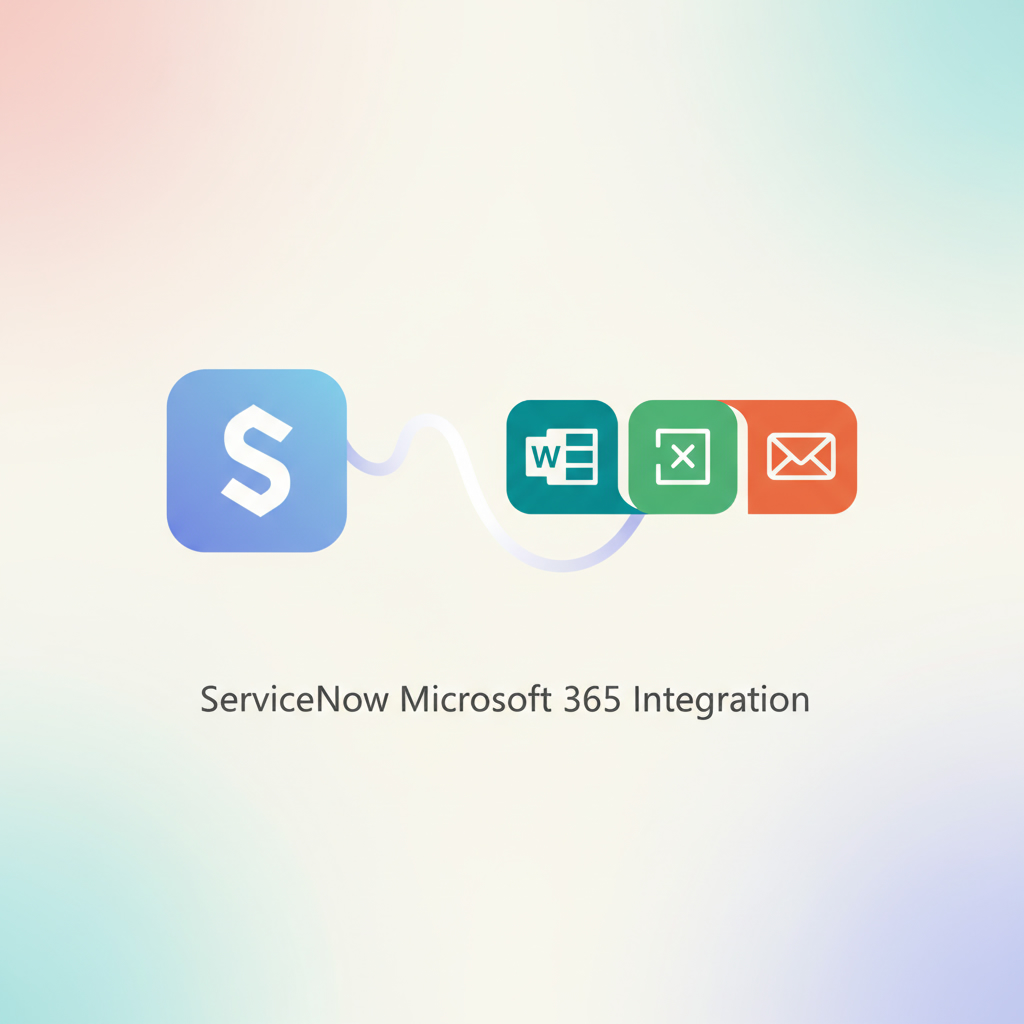
Understanding the Integration of AI with ServiceNow and Microsoft 365
Integrating AI into your ServiceNow and Microsoft 365 platforms can significantly enhance your organizational workflows. Research shows that companies adopting advanced AI solutions witness a marked improvement in operational efficiency and employee satisfaction. The collaborative capabilities of Microsoft Teams combined with the robust service management functionalities of ServiceNow create a seamless user experience that reduces the need for constant application switching.
The Importance of AI in Modern Workflows
Experts agree that AI-driven solutions can help organizations automate routine tasks, allowing employees to focus on strategic initiatives. By implementing AI chatbots and virtual agents, businesses can provide 24/7 support, enabling users to resolve issues without escalating them to human agents. This not only improves response times but also enhances overall service delivery.
Key Dos and Don’ts for Successful Integration
When integrating AI with ServiceNow and Microsoft 365, there are several critical dos and don’ts to keep in mind.
Dos:
1. Implement a Clear Integration Strategy – Define your integration objectives and scope clearly. Identify key workflows that can benefit from AI enhancements.
2. Engage Stakeholders Early – Involve key stakeholders from both IT and business units to ensure alignment on goals and expectations.
3. Prioritize Security Measures – Ensure that all integrations comply with security protocols to protect sensitive data. This includes defining appropriate roles and permissions for users.
4. Test Thoroughly Before Deployment – Conduct extensive testing in a controlled environment to identify and resolve potential issues before going live.
Don’ts:
1. Avoid Overcomplicating the Integration – Keep the integration process straightforward to minimize disruptions. Complex setups can lead to confusion among users.
2. Neglect User Training – Failing to provide adequate training can result in underutilization of the new AI features. Ensure that all users are familiar with the functionalities and benefits.
3. Skip Documentation – Document the integration process, including configurations and workflows, to assist in future troubleshooting and updates.
Roles and Permissions: A Critical Aspect of Integration
Establishing the appropriate roles and permissions is vital when implementing AI within ServiceNow and Microsoft 365. Organizations will need to assign specific roles that facilitate secure access and functionality. Here are some best practices to consider:
– ServiceNow Admin Role: This role should oversee the installation of necessary plugins and configurations.
– Azure Application Admin: This role is crucial for managing application permissions within Microsoft’s ecosystem.
– Teams Administrator: Required to upload manifest files for AI integrations in Microsoft Teams.
Understanding the distinctions between delegated and application-level permissions is essential for ensuring smooth functionality. Delegated permissions allow actions on behalf of users, while application-level permissions grant broader access across resources.
Best Practices for Permissions Management
1. Assign Temporary Elevated Roles – If possible, assign high-privilege roles temporarily during the integration phase and revert to standard permissions afterward.
2. Review Permission Levels Regularly – Regular audits of permissions can help ensure compliance and security.
Common Errors and Their Resolutions
Even with careful planning, errors can occur during the integration process. Here are some common issues and how to resolve them:
– Authorization Errors: Often stem from incorrect user field configurations. Ensure the email field is correctly set in your OIDC provider configuration.
– Resource Disabled Errors: Check that the instance URL format is correct and devoid of unnecessary prefixes.
– Mismatch in Email Addresses: Ensure that the email addresses in ServiceNow and Azure match to avoid approval issues.
FAQs on ServiceNow and Microsoft 365 Integration
Businesses frequently encounter questions regarding the integration process. Here are a few common inquiries:
– Can I start with only the Employee Center? Yes, it’s possible to generate a manifest that excludes unnecessary components.
– Is it feasible to embed custom portals? Yes, by updating specific properties, organizations can integrate various service portals.
The insights gained from these FAQs can guide organizations in refining their integration strategies, ensuring a smoother implementation process.
Embracing AI’s Potential
Integrating AI into your ServiceNow and Microsoft 365 environments opens up numerous possibilities for enhancing operational efficiency and employee engagement. By adhering to the dos and don’ts outlined in this article, organizations can effectively leverage AI to streamline workflows and improve service delivery. To learn more about how to implement artificial intelligence solutions tailored to your business needs, visit Implement Artificial Intelligence.
In conclusion, integrating AI with ServiceNow and Microsoft 365 is a strategic move that can significantly elevate your business operations. By focusing on solid planning, user training, and security measures, your organization can reap the benefits of this powerful combination. Start your journey towards seamless AI integration today and watch your productivity soar!